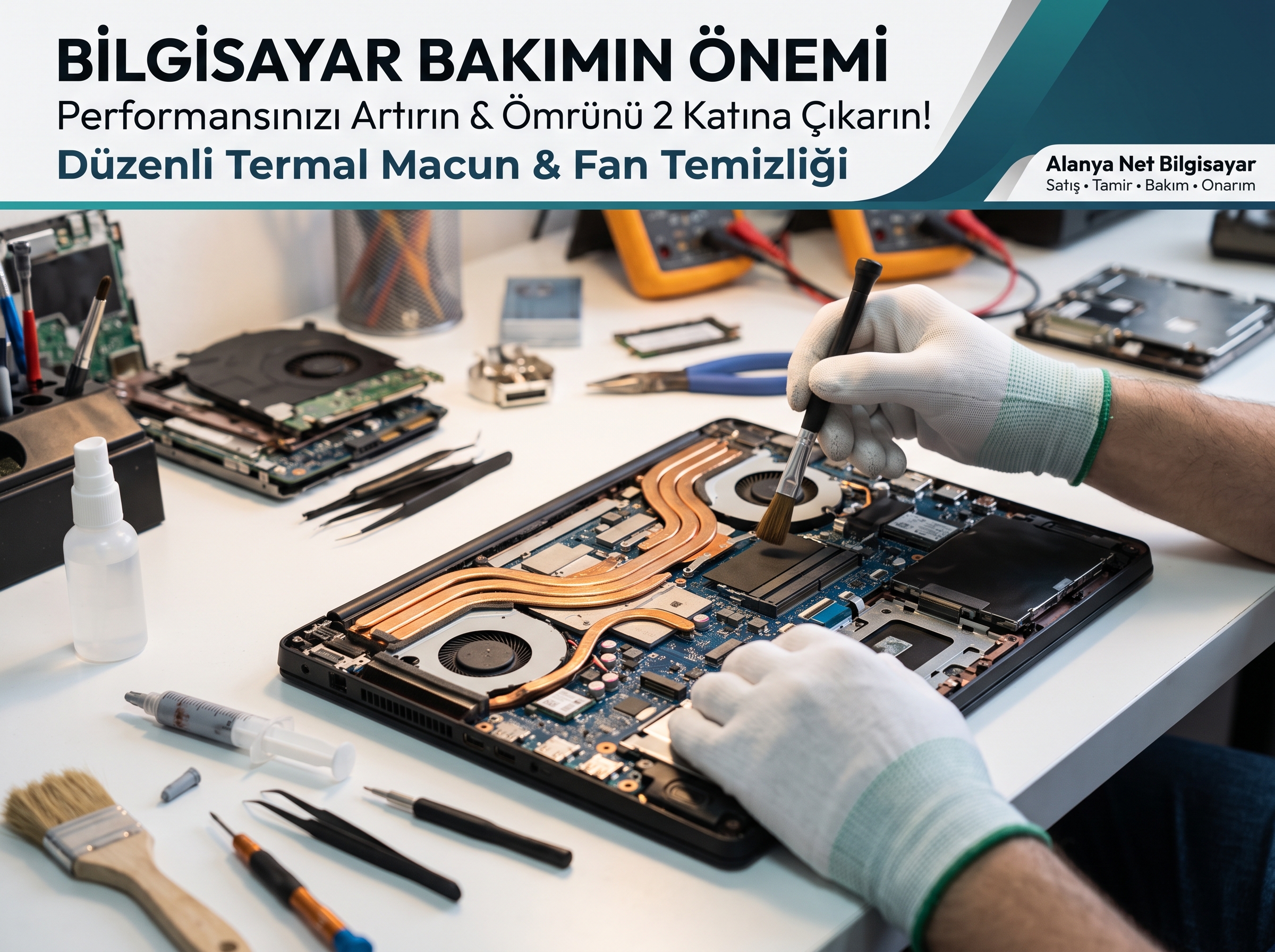
The Importance of Regular Computer Maintenance
Is your computer no longer running as fast as the day you first bought it? If the fan noise has become as loud as a jet engine, or if you are experiencing sudden shutdowns during gaming or work, your device is sending you a "Help me!" signal.
The vast majority of users think the problem is purely software-related when their computer slows down, or they start looking to buy a new one. Yet the biggest and most insidious enemy is physical: dust buildup and dried-out thermal paste. Regular professional hardware maintenance not only restores your computer's performance to its day-one level but also extends its lifespan by up to 2 times.
What Do Dusty Fans and Dried Thermal Paste Do to Your Computer?
The cooling systems of computers (especially laptops) work on the principle of drawing cool outside air in and expelling hot inside air out. During this air circulation, dust, lint, and particles in the environment stick to the fan blades and radiator grilles (heatsink).
This layer of dust that builds up over time acts like a thick "blanket" that prevents hot air from escaping. At the same time, the thermal paste and thermal pads that transfer heat from the processor (CPU) and graphics card (GPU) to the cooling block dry out and harden due to high heat.
When these two problems combine, the following dangerous picture emerges:
-
Performance Drop (Thermal Throttling): To avoid overheating and burning out, the processor and graphics card automatically lower their operating speeds (frequencies). Your computer starts to freeze, lag, and respond slowly.
-
Loud Fan Noise: Unable to expel the internal heat, the system runs the fans continuously at maximum RPM. This både strains your ears and wears out the fan motor's lifespan.
-
Motherboard and Chipset Failures: In devices constantly operating at temperatures of 85°C – 95°C and above, solder balls crack, and the graphics card chip (GPU) or power ICs on the motherboard burn out. When maintenance that could be done on a very modest budget is neglected, motherboard repair costs approaching the price of a new computer arise.
5 Signs It Is Time for Your Computer's Maintenance
If your device shows one or more of the following symptoms, it is time for professional technical service intervention:
-
Fans running loudly even when the computer is idle or just browsing the internet.
-
Feeling scorching heat on the upper part of the laptop keyboard or the bottom case.
-
Sudden FPS drops in games, or freezes in design and office programs.
-
The device shutting down suddenly without any error message (triggering thermal protection).
-
More than 1 year has passed since the last maintenance.
What Do We Do in Professional Computer Maintenance?
Holding a vacuum cleaner from the outside at home or blowing air carelessly jams dust bunnies into the fan, damaging the fan bearings, and can damage the motherboard due to static electricity. The professional periodic maintenance process we apply at Alanya Net Bilgisayar consists of the following steps:
-
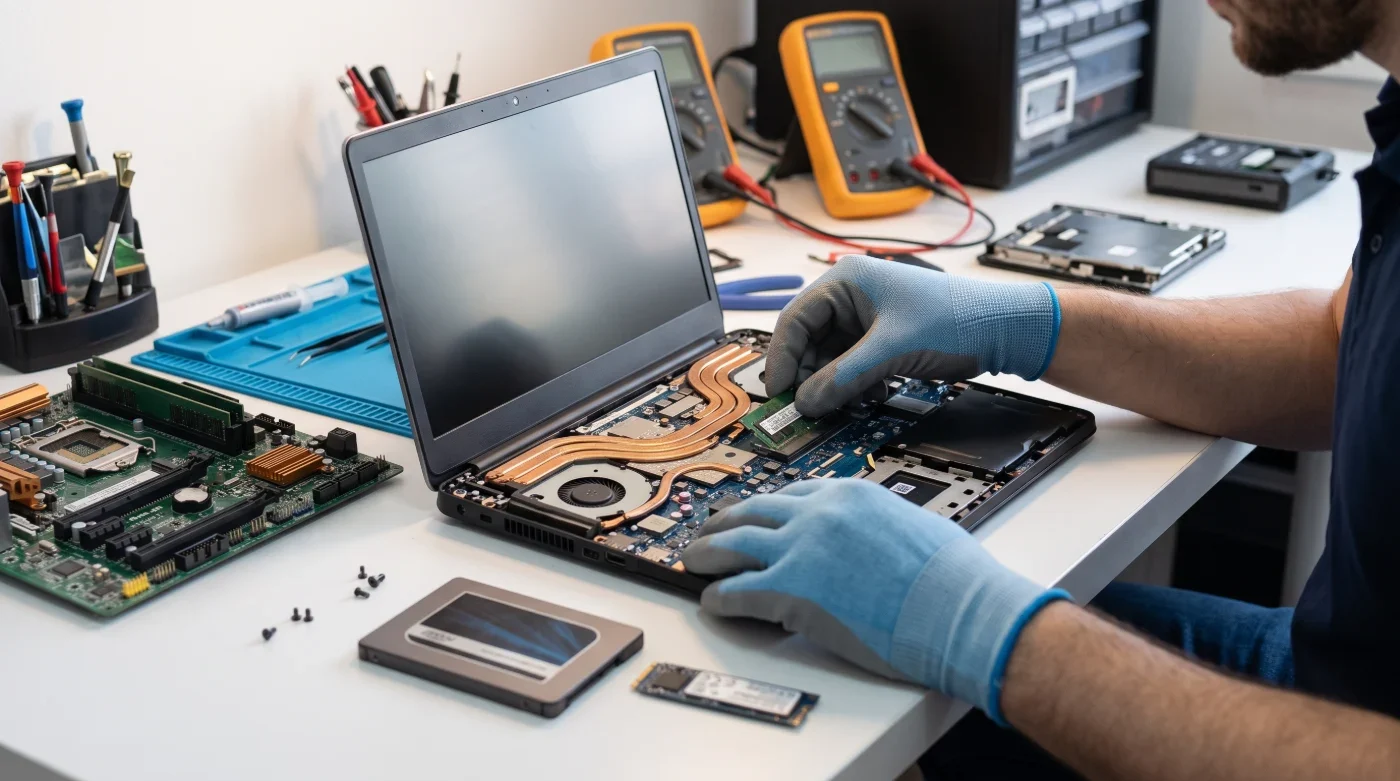
Detailed Internal Cleaning: Your device is completely disassembled, and the fans, air ducts, and heatsink grilles are thoroughly cleared of dust using chemical solvents and anti-static equipment.
-
High-Conductivity Thermal Paste and Pad Renewal: Dried residues on the processor and graphics card are cleaned with special solutions and replaced with long-lasting, professional thermal paste and thermal putty/pads with high thermal conductivity.
-
Fan Bearing Maintenance: Shaft and bearing maintenance is performed on noisy fans to ensure they spin quietly and at full speed.
-
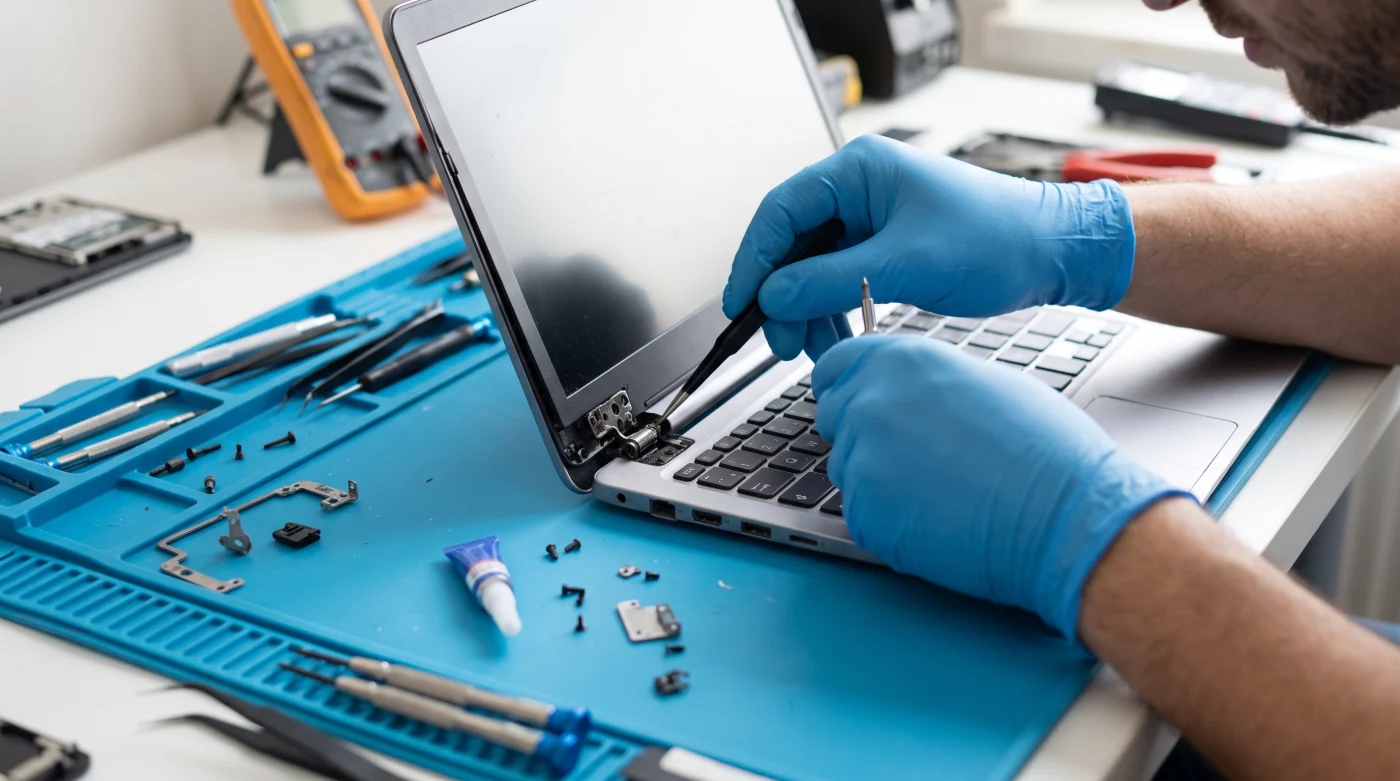
Case and Hinge Inspection: Especially in laptops, screen hinges that stiffen over time and carry a risk of breaking are checked, and loose screws are secured.
-
Hardware and Performance Testing: After maintenance, the device is put through a stress test to check temperatures under load; the temperature difference before and after is clearly measured.
Multiply Your Speed While Maintenance Is Done: SSD and RAM Upgrade
Once your computer breathes a sigh of relief with thermal maintenance, bringing your existing hardware up to today's standards is very easy. If your device still has an old-style mechanical hard drive (HDD), we can reduce your computer's boot time to seconds with an SSD upgrade and RAM boost, saving you the cost of buying a new computer.
Why Alanya Net Bilgisayar?
Your computer is your most valuable tool for both your work and your personal data. Entrust it to true expertise, not to chance or trial-and-error methods.
With our 30 years of industry experience, we reliably meet your needs for periodic maintenance of desktop and laptop computers, motherboard and graphics card repairs, broken case/hinge repairs, spare part replacements, and new computer sales.
-
Fast and Transparent Service: Clear information about the status of your device and fast delivery.
-
Quality Materials: Professional thermal products with a high thermal conductivity coefficient instead of cheap silicone-based pastes on the market.
-
Hardware Warranty and Sales: New/second-hand computer sales tailored to your needs, original spare parts, and RAM and SSD upgrade solutions.
Take precautions before your device succumbs to high heat! To double your computer's lifespan with professional maintenance at least once a year, stop by our store today or contact us.
📍 Address: Şekerhane Mah. Yaylayolu Cad. 73/B Alanya / Antalya
📞 Contact / WhatsApp: +90 540 107 07 82
🌐 Web: alanyanetbilgisayar.com