What Are the New Features in Windows 11 Update?
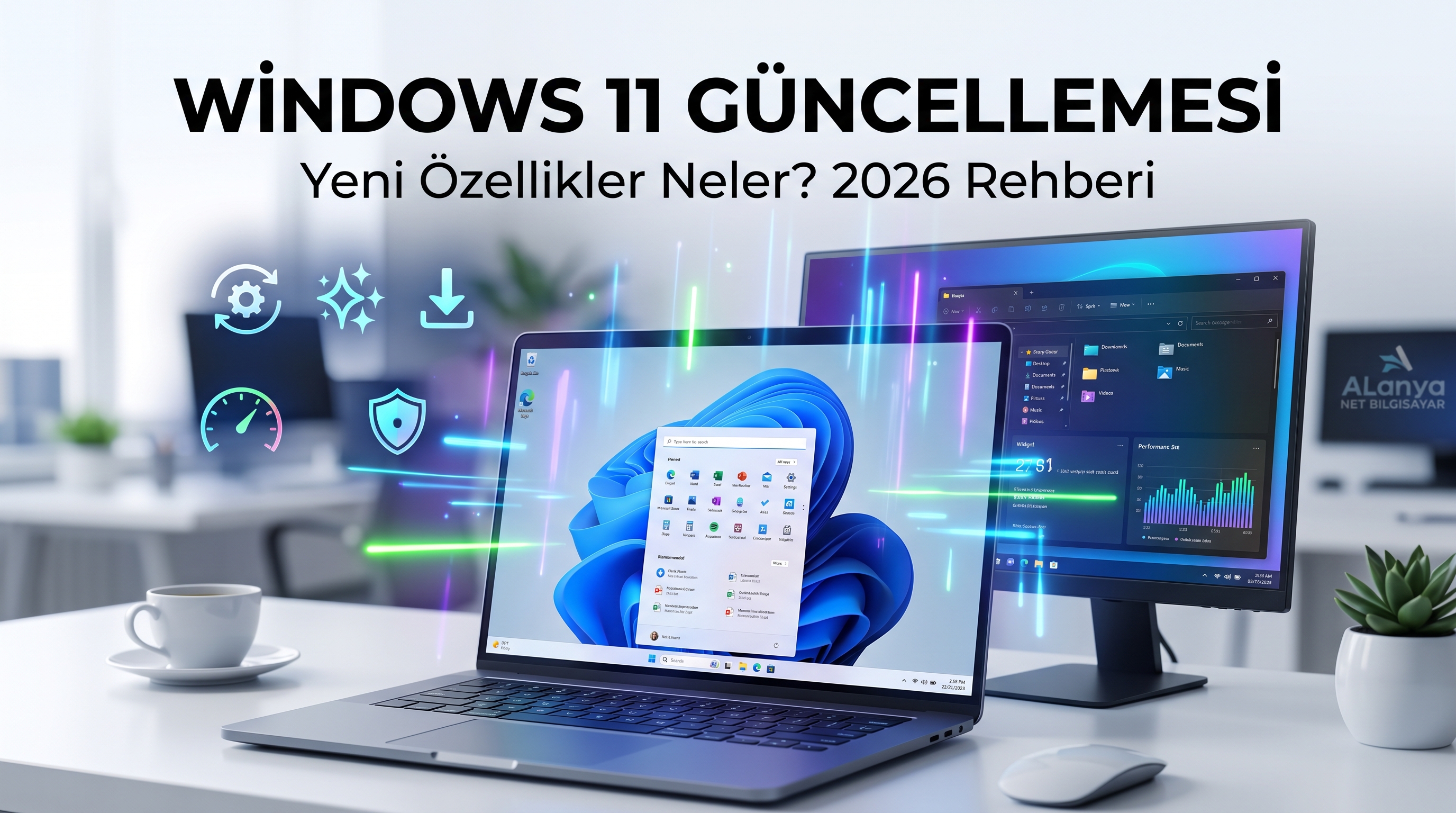
Windows 11 Update: What Are the New Features? 2026 Guide
Windows 11 continues to evolve to enhance user experience, strengthen computer security, and make daily tasks easier. As of October 2026, the latest Windows 11 updates stand out with performance improvements, AI-powered features, more versatile interface options, and security enhancements.
So, what innovations does the Windows 11 update bring to your computer? How do you upgrade to the new version? And what should you do if your computer slows down after the update?
In this article, we cover the new features of Windows 11, update steps, and everything you need to know to get better performance out of your computer.
The New Version of Windows 11: What Is 26H2?
Microsoft announced the Windows 11 version 26H2 update, also referred to as the Windows 11 2026 Update, on September 29, 2026. Building upon the improvements offered in previous Windows 11 versions, this release aims to provide an easier update process and a more up-to-date Windows experience.
However, the new version may not reach all computers at the same time. The availability of the update depends on your computer's hardware, your current Windows version, and Microsoft's phased rollout process.
To check your Windows 11 version:
-
Press the Windows + R keys on your keyboard.
-
Type winver into the window that opens.
-
Press Enter to view your Windows version.
New Features Coming with the Windows 11 Update
1. A Smoother and Faster Computer Experience Work continues on Windows 11 updates to improve system responsiveness, daily usage experience, and overall stability. Improvements in tasks such as opening files, switching between applications, and using system settings aim to enhance the user experience.
However, if your computer is running very slowly, a Windows update alone may not be enough. Insufficient RAM, an old mechanical hard drive (HDD), overheating, or background programs can also cause performance loss.Computer speed-up tip: Upgrading to an SSD, increasing RAM, and performing maintenance on an older computer can make a significant difference in performance.
2. AI-Powered Windows Features Windows 11 continues to develop AI-powered computing experiences. On compatible devices and supported applications, AI features can be used for content creation, search, and simplifying daily tasks.
Not all of these features may be available on every computer. Some may require specific hardware, Microsoft accounts, application versions, or regional availability conditions.
If you are considering buying a new computer, it is beneficial to pay attention not only to the processor model but also to the hardware support required for AI features.
3. More Customization on the Taskbar New improvements in Windows 11 give users more opportunities to organize their desktop according to their own working habits.
With some recent updates, options such as positioning the taskbar at the top, right, or left side of the screen—in addition to the bottom—have started to roll out. The availability of these features may vary depending on the Windows version and rollout phase.
Such customization options can be particularly useful for those using widescreens, working with multiple windows, or using their computers for business purposes.
4. Improvements in Windows Search The Windows search experience also continues to be refined. New search features aim to allow certain actions to be performed directly from the search screen and make results easier to find.
For example, in certain test builds, innovations are being worked on that make it easier to access settings like Bluetooth, screen brightness, and volume directly via search.
Here is an important detail: Not every feature seen in Windows Insider builds comes immediately to all computers running the stable version of Windows.
5. File Explorer and Daily Usability Enhancements Improvements related to file management and the desktop experience in Windows 11 aim to make working on the computer more practical.
As part of the new updates, enhancements in areas such as file previews, window behaviors, and accessibility tools may be offered. These innovations can save time, especially for users who work with a large number of documents, photos, and business files.
6. Security Updates and System Stability One of the most important goals of Windows updates is to close security vulnerabilities and fix known issues. Using an up-to-date operating system helps you benefit from supported security patches, bug fixes, and system improvements.
However, using an updated Windows version alone does not provide protection against all threats. Using reliable software, backing up important files, and avoiding suspicious links are also essential.
How to Update Windows 11?
You can follow the steps below to check for the Windows 11 update:
-
Open the Start menu.
-
Go to Settings.
-
Open Windows Update from the left menu.
-
Click the Check for updates button.
-
Review the available updates and install the appropriate ones.
-
If prompted to restart your computer, save your open files and complete the process.
Important: Back up your important files before a major version upgrade. Do not force shut down your computer during an update. If the new version is not yet offered to you, do not resort to alternative installation methods without checking your computer's compatibility.
Does the Windows 11 Update Slow Down the Computer?
This is one of the topics users wonder about the most.
It is possible for a computer to slow down temporarily after a Windows update. This may be due to background installations, file indexing, or post-update system tasks being completed. However, permanent performance issues may stem from other reasons.
If your computer has slowed down after an update, you can perform the following checks:
-
Startup apps: Prevent unnecessary programs from running at startup.
-
Storage space: Make sure there is enough free space on the system drive.
-
Drivers: Ensure that graphics card, network, and chipset drivers are compatible.
-
Overheating: Have the fans, air vents, and cooling system checked.
-
Disk and RAM: Check disk health and memory usage.
If the problem persists, it is safer to get professional support rather than deleting random system files or cleaning the registry with unknown programs.
Is an SSD and RAM Upgrade Necessary for Windows 11?
Not every computer needs an upgrade. However, especially on devices with older hardware, the right upgrade can extend the lifespan of the computer.
-
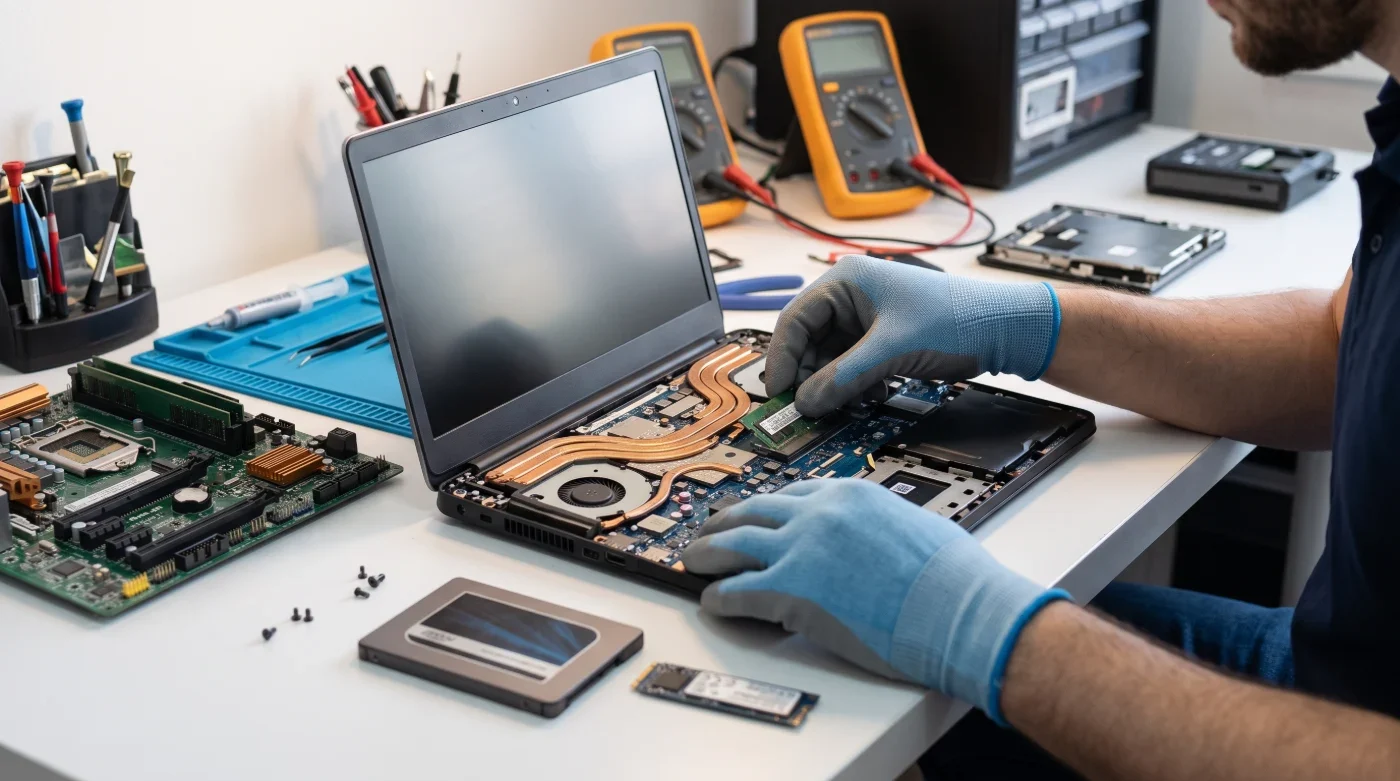
SSD upgrade: On computers using a mechanical HDD, it can significantly reduce boot times, program launch times, and file access times.
-
RAM upgrade: Can be beneficial for people who run multiple applications at the same time, open many tabs in a browser, or use office programs.
-
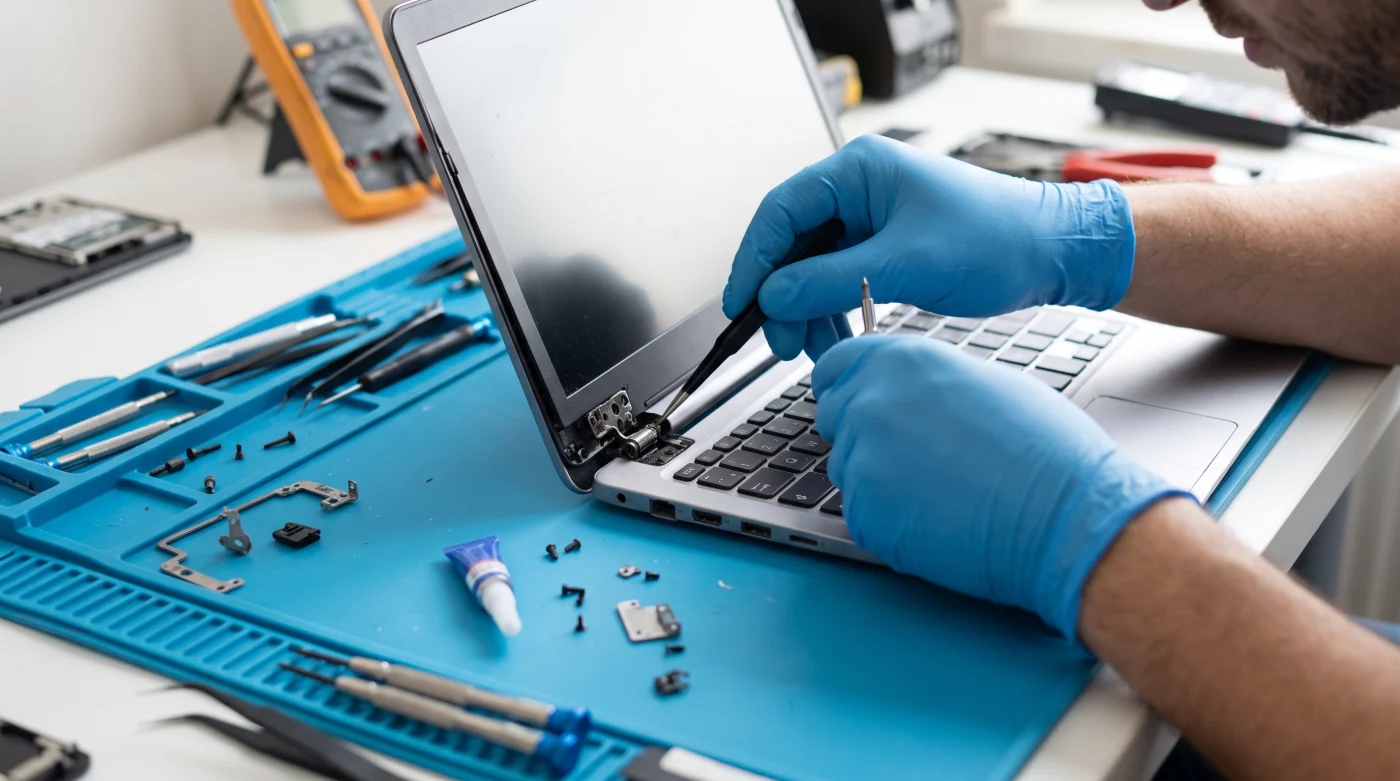
Maintenance and cooling: Processor performance may drop due to dust accumulation and cooling issues. Regular checks help detect problems caused by overheating.
Before deciding on an upgrade, it is necessary to evaluate the computer's model, current hardware, and intended use. Not every device supports the same RAM type or SSD standard.
Computer Repair and Technical Service Support in Alanya
Are you getting errors during the Windows 11 update? Is your computer not turning on, running very slowly, or experiencing driver issues?
Alanya Net Bilgisayar offers support for your computer sales and technical service needs.
Our services include:
-
Desktop computer and laptop fault diagnosis
-
Computer maintenance and repair services
-
Windows installation and operating system troubleshooting
-
SSD and RAM upgrade consulting
-
Performance issue analysis
-
Sales of computers and compatible hardware products
To determine the right solution for your computer's condition, the model of your device and the details of the issue you are experiencing are important. Instead of unnecessary part replacements, the root cause of the malfunction must be identified first.
If you need technical support for your computer or are looking for a new PC, you can contact Alanya Net Bilgisayar. You can get information about maintenance, repair, or hardware upgrade options tailored to your device's needs.
Frequently Asked Questions
-
What is the newest version of Windows 11? As of October 2026, Microsoft has announced version 26H2 under the name Windows 11 2026 Update. Since updates are rolled out in phases, it may not appear on every computer at the same time.
-
Is the Windows 11 update free? Standard updates offered to eligible Windows 11 devices via Windows Update are generally free. The availability of a major version update depends on the device's hardware and software compatibility.
-
Will the Windows 11 update delete my files? A normal Windows Update process generally does not delete personal files. However, installation errors or alternative installation methods can create a risk of data loss. Therefore, backing up before an update is recommended.
-
Can Windows 11 be installed on an old computer? Windows 11 installation depends on the processor and other system requirements. Installing it on computers that do not meet the requirements using alternative methods can lead to compatibility and support issues. The hardware of the device should be checked first.
-
What should be done if the computer does not turn on after a Windows update? First, the error message displayed on the screen, the computer's responses, and the stage at which the update got stuck should be identified. Depending on the source of the problem, recovery options or professional technical service support may be required.
Conclusion: Keep Windows 11 Updated, Get More Efficiency from Your Computer
Windows 11 updates continue to evolve in the areas of security, ease of use, customization, and performance. However, to get the best efficiency out of up-to-date software, it is also necessary to consider the hardware condition of the computer.
If you have update problems, slowdowns, hardware upgrade needs, or computer repair requirements, you can get support from Alanya Net Bilgisayar.
Contact us for computer sales, maintenance, repair, and technical service in Alanya. Let's evaluate the right solution for your computer's needs together.
About the article: This content has been prepared based on Microsoft's Windows 11 update announcements. The availability of new features may vary depending on the Windows version, device, and rollout schedule.