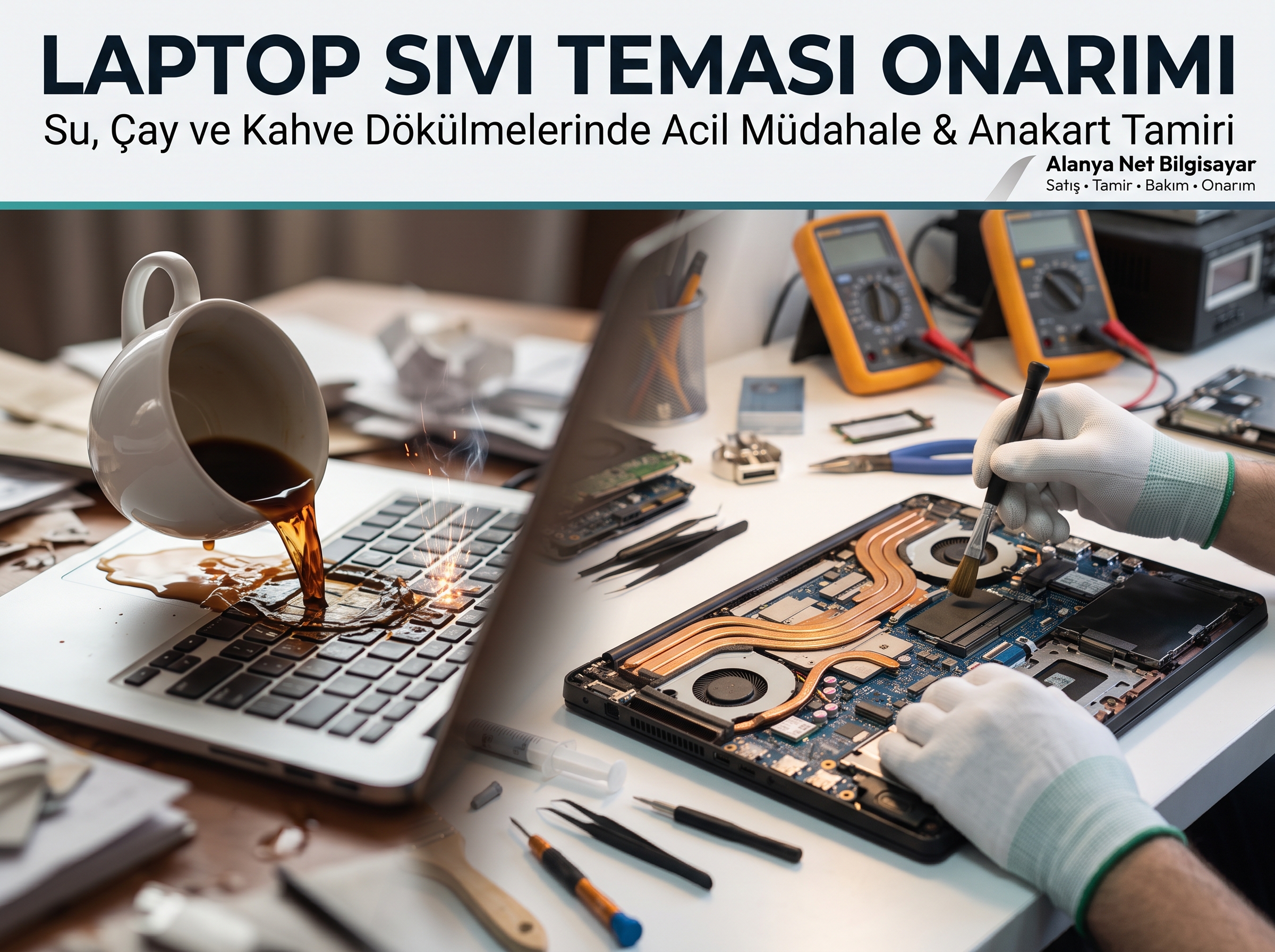
Liquid Spilled on Your Laptop! What Should You Do?
A glass of water, tea, or coffee knocked over by an accidental bump of your hand while working at your computer or watching something... Liquid damage, the worst nightmare of every computer user, can render your device worth thousands of liras unusable in a matter of seconds.
However, don't panic! The right actions you take in the very first moment a liquid is spilled—and the urban legends you avoid—will determine whether your computer will be saved with a minor cleaning or if its motherboard will completely burn out and become trash.
What You Need to Do in the First 60 Seconds of a Liquid Spill
The moment liquid is spilled on your computer, a race against time begins. The liquid seeps through the keyboard gaps and reaches the motherboard directly. Immediately follow these steps in order:
-
Cut the Power Immediately: Do not waste time trying to shut down the computer normally via "Start > Shut down"! Press and hold the power button for 5–10 seconds to turn off the device instantly, and unplug the charging cable (adapter) from the wall outlet.
-
Remove the Battery (If Removable): If your laptop has an externally removable battery, take it out immediately. (In newer generation devices, the battery is inside the case; in this situation, definitely do not try to turn the device back on).
-
Unplug All Peripherals: Remove all connected external devices such as USB flash drives, wireless mouse receivers, and external hard drives.
-
Wipe the Surface Liquid and Turn It Upside Down (Tent Position): Quickly wipe off the liquid on the surface of the device with a paper towel or an absorbent cloth. Then, keeping the laptop lid open, place it upside down in an inverted "V" (tent) shape on the table. This way, gravity will help the liquid drain out through the keyboard instead of seeping down onto the motherboard.
-
Bring It to a Professional Service Without Delay: Liquid damage is not a problem that resolves on its own.
Deadly Mistakes Thought to Be True: Hair Dryers and Rice!
Due to misinformation on the internet, a large majority of the devices brought to our service center suffer severe damage not actually because liquid was spilled on them, but because of the wrong interventions made afterward:
-
❌ Do Not Use a Hair Dryer: The pressurized air blown by a hair dryer pushes the liquid deeper into the ICs and underneath the chipsets. Furthermore, hot air melts the keyboard keys and bakes the sugar/minerals inside the liquid onto the motherboard.
-
❌ Do Not Put It in Rice: Rice cannot draw out liquid that has seeped underneath the motherboard. Moreover, rice dust and starch get into the fan grilles and USB ports, creating a secondary malfunction in the device.
-
❌ Do Not Turn On the Device Thinking "It Has Dried": This is the biggest mistake! Even if you think it is dry from the outside, liquid and moisture remain inside. The moment you press the power button, the 19V main power line on the motherboard short-circuits, burning out a motherboard that could have otherwise been saved.
The Silent Killer: What Is Corrosion (Oxidation)?
If you are thinking, "Just a little bit of water spilled on my computer, I wiped it off and it keeps working, no need for service," you are taking a huge risk.
Especially acidic or sugary liquids like sweetened tea, coffee, fruit juice, cola, and mineral water leave a sticky layer on the motherboard. Even plain water reacts with electronic circuits due to the minerals in it. Your device might work smoothly for the first few days, or even a few weeks. However, the oxidation (mold and rust) that starts inside slowly rots the thin copper data tracks, and one morning your computer will shut down, never to turn on again.
What Do We Do at Alanya Net Bilgisayar for Liquid Damage?
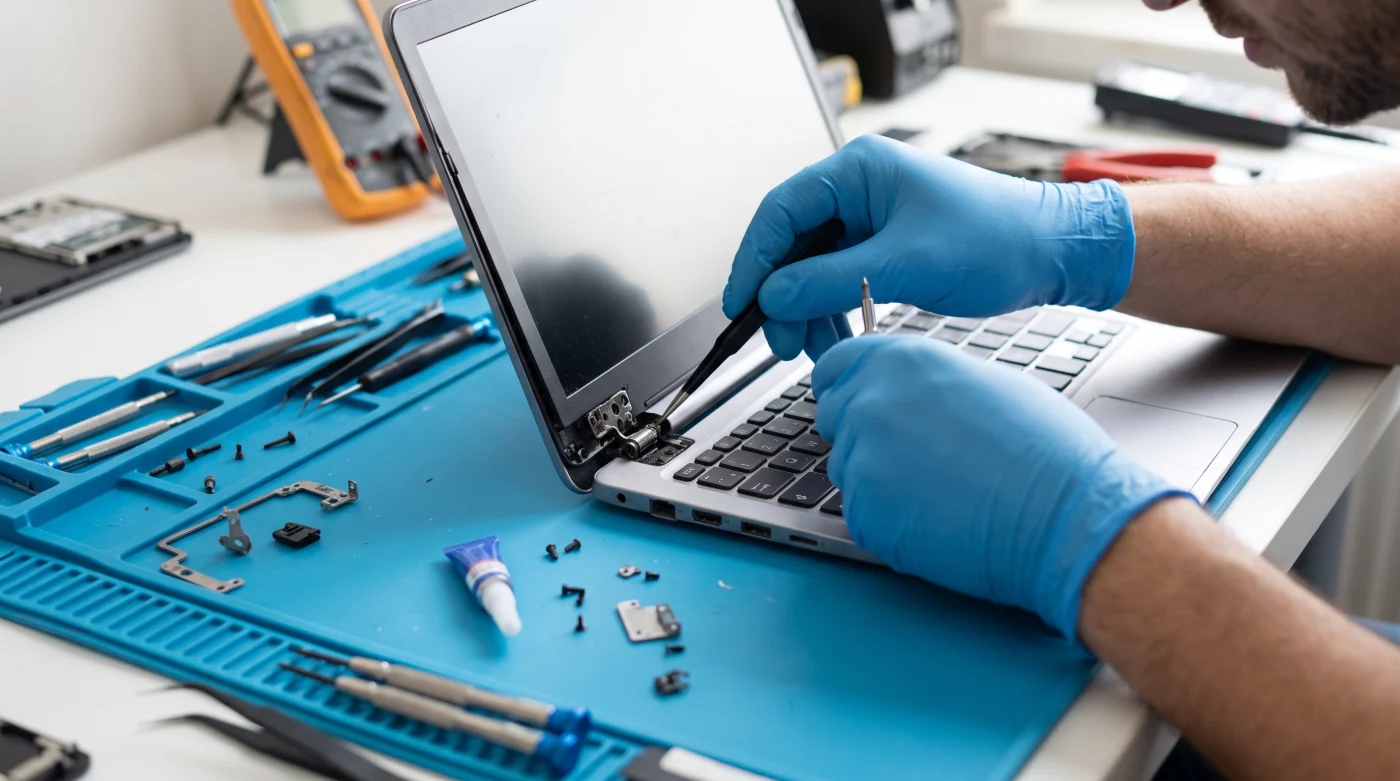
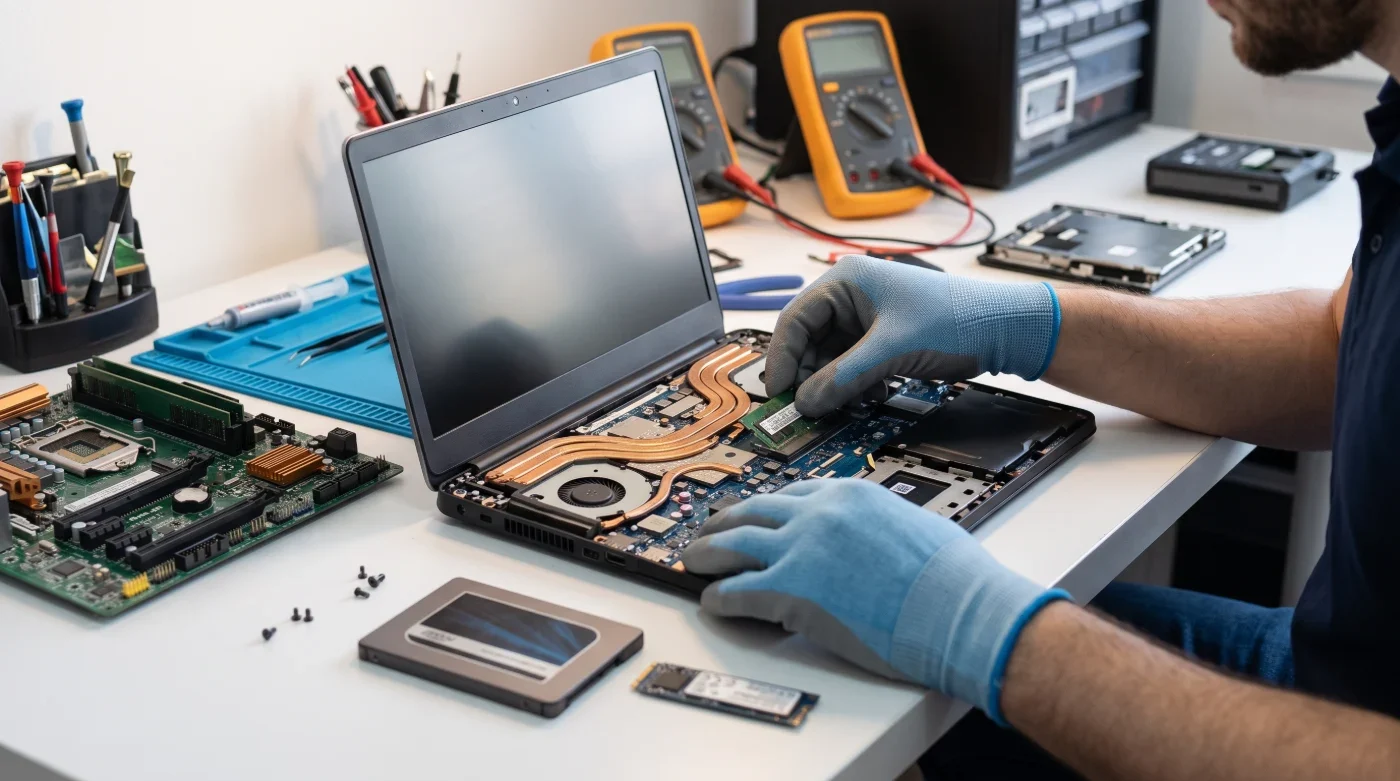
When a liquid-damaged device reaches our service center, we perform a chemical and electronic rescue operation rather than a simple wipe-down:
-
Emergency Discharge and Disassembly: The device is disassembled immediately, and the main battery and BIOS battery connections to the motherboard are disconnected, reducing the risk of a short circuit to zero.
-
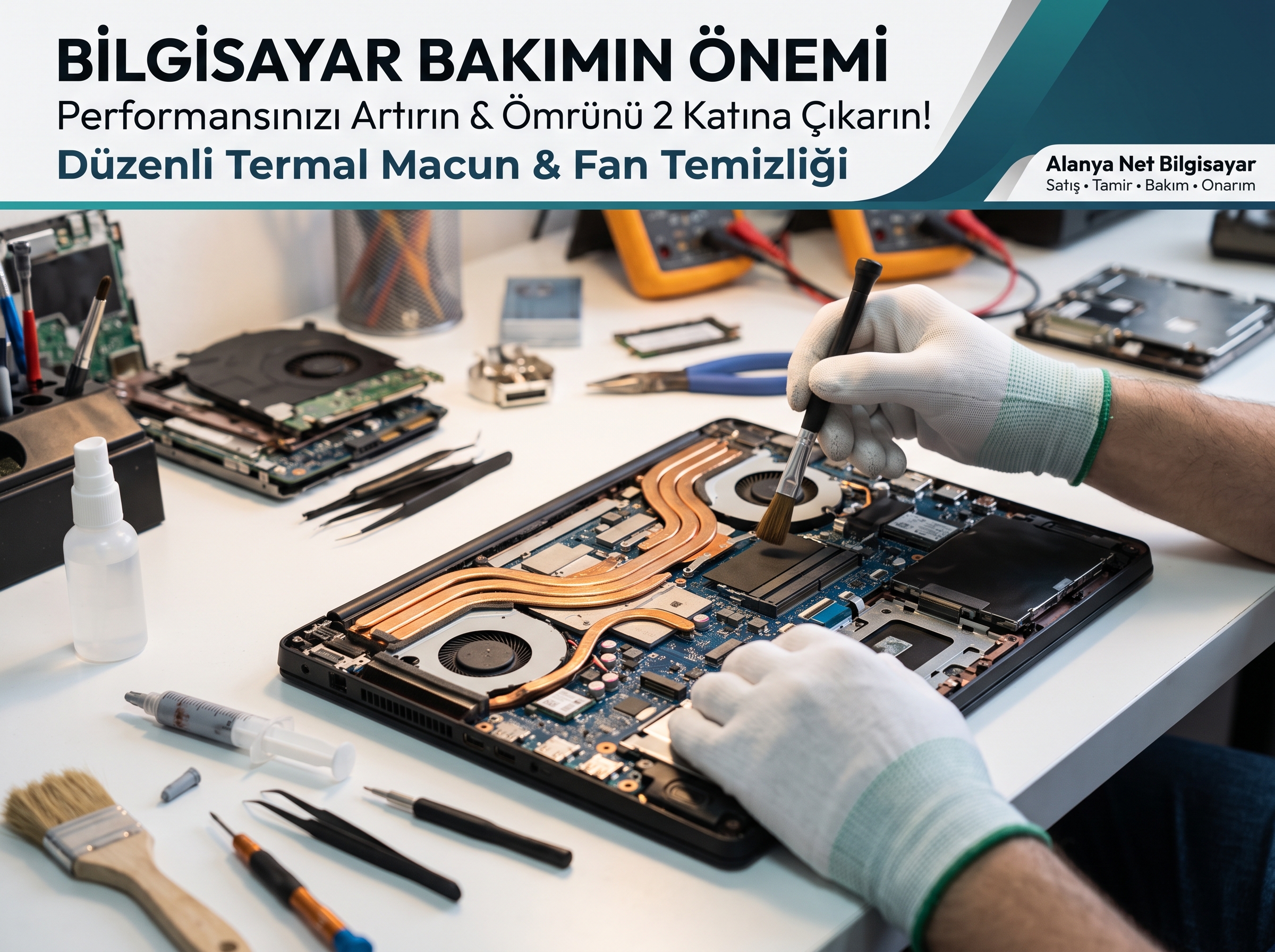
Oxidation Cleaning with Special Chemicals: All liquid residues and corrosion on the motherboard are cleaned at a microscopic level using special chemical solutions that do not harm electronic circuits.
-
BGA and Motherboard Repair: If there are burned ICs, corroded circuit tracks, or short-circuited capacitors resulting from the liquid contact, they are repaired and replaced using our professional soldering equipment.
-
Keyboard and Touchpad Replacement: The part most affected by liquid is the keyboard. For sticky or unresponsive keys, we perform original or high-quality compatible brand-new keyboard replacements.
Don't Leave Your Device to Chance, Contact Us Immediately!
In cases of liquid damage, every hour is precious. While a device brought in on the first day can be saved with just professional chemical maintenance, devices left waiting for days may require costly motherboard and part replacements.
With our 30 years of experience at Alanya Net Bilgisayar, we bring your liquid-damaged laptops back to life with the highest success rate.
📍 Address: Şekerhane Mah. Yaylayolu Cad. 73/B Alanya / Antalya
📞 Emergency Service Contact / WhatsApp: +90 540 107 07 82
🌐 Web: alanyanetbilgisayar.com