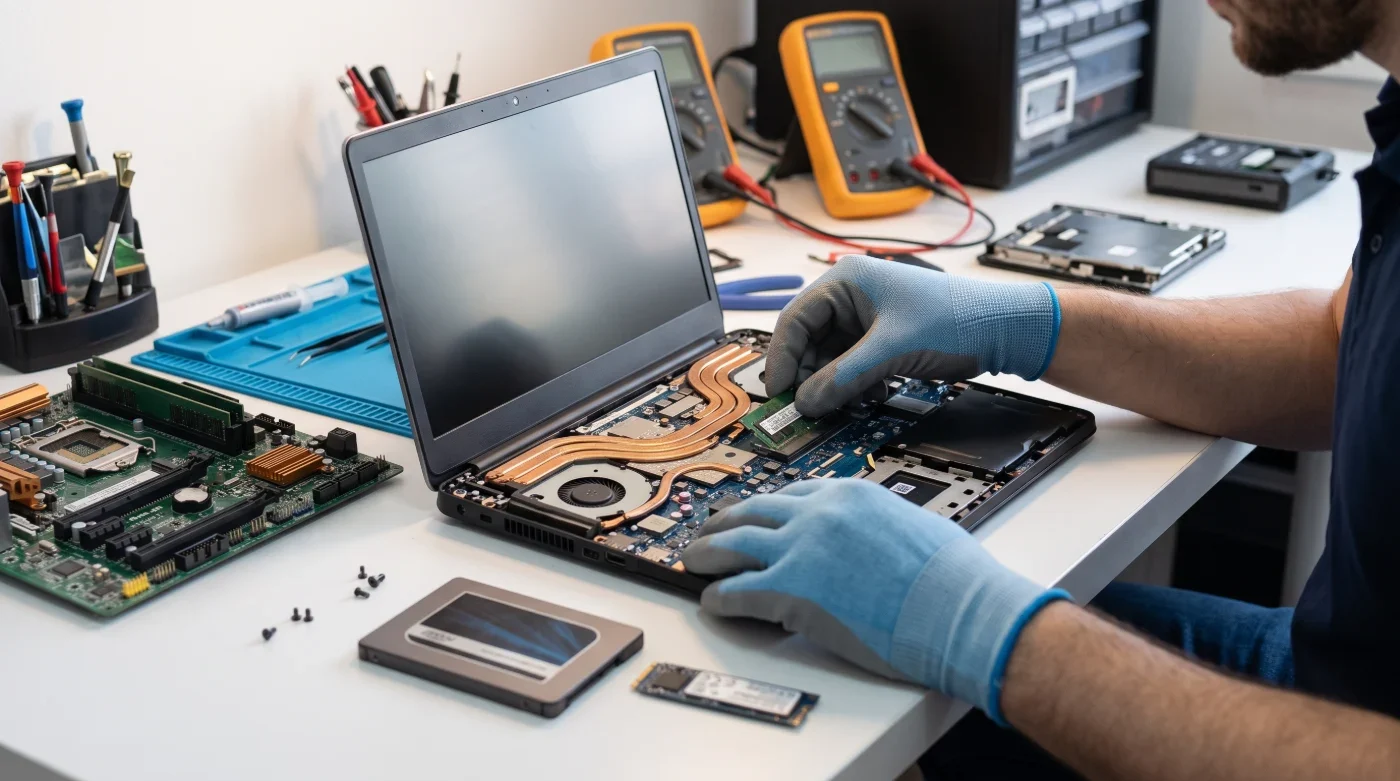
Is Your Computer Too Slow? Read This Before Buying a New One!
Speed Up Your Slow Computer up to 10x: Alanya SSD & RAM Upgrade Guide
Do you wait several minutes for your computer to turn on after pressing the power button? Has switching between browser tabs become a nightmare? Or does your screen freeze even when opening a simple Excel file?
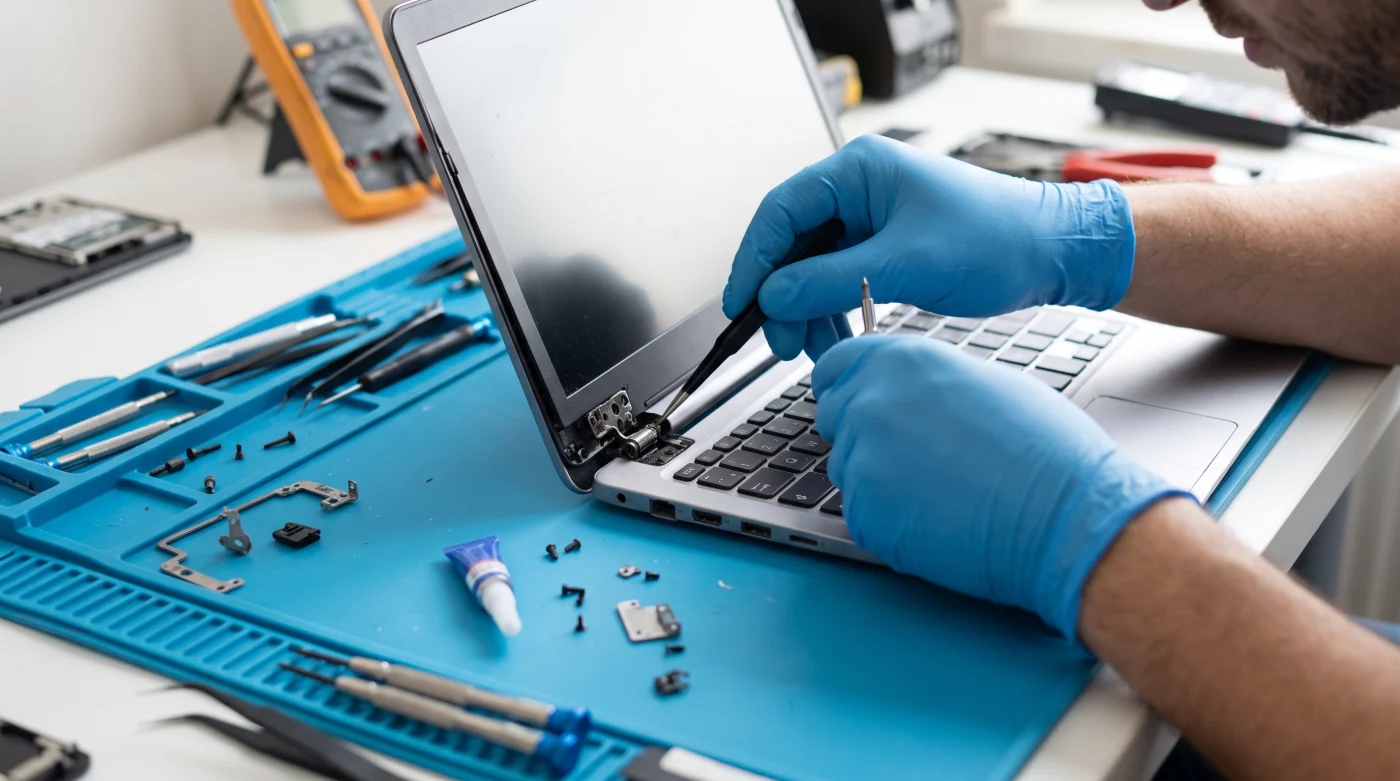
If you are experiencing these issues, you don’t have to spend thousands on a brand-new computer. At Alanya Net Bilgisayar, we bring your slow desktop and laptop computers back to life—making them even faster than the day you bought them with professional hardware upgrades.
Why Does Your Computer Slow Down Over Time?
As operating systems (like Windows 10 and Windows 11) and software update over the years, they require more system resources. The main reasons your device slows down include:
-
Old Hard Drives (HDD): If your computer still uses a mechanical hard drive (HDD), data is read from a spinning platter. This outdated technology simply cannot keep up with modern software speeds.
-
Insufficient RAM (Memory): When you open multiple programs or browser tabs simultaneously, 4 GB or 8 GB of RAM is often no longer enough, causing your device to lag and freeze.
-
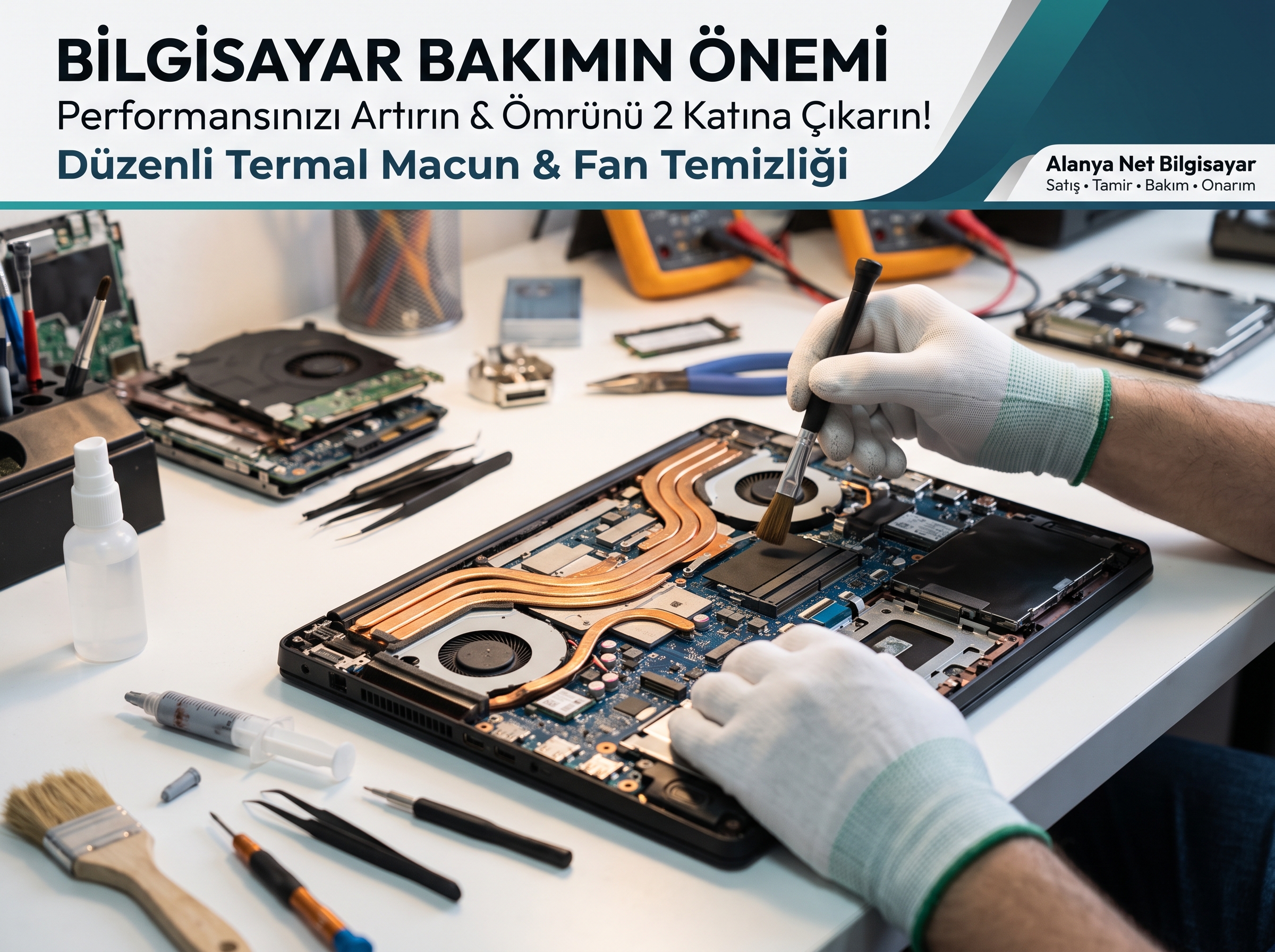
Overheating and Dust Buildup: Alanya’s hot and humid climate causes computer fans to accumulate dust faster and thermal paste to dry out. An overheating processor automatically throttles its speed to protect itself.
The Solution: What is an SSD and RAM Upgrade?
Costing only a fraction of the price of a new computer, a hardware upgrade breathes new life into your device:
1. Boot Up in Seconds with an SSD Replacement
When we replace your old mechanical drive with a next-generation SSD or NVMe M.2 SSD:
-
Your computer, which used to take 1–2 minutes to boot, will be ready to use in just 8–10 seconds.
-
Programs, games, and files open instantly.
-
Because there are no moving parts, your laptop runs silently and is much more resistant to physical shocks.
2. End Freezing with a RAM Upgrade
With a memory upgrade tailored to your motherboard's compatibility:
-
You can run multiple applications smoothly in the background.
-
You won't experience freezing even with dozens of tabs open in browsers like Google Chrome.
-
Office programs, business software, and design applications run seamlessly.
How Does the Upgrade Process Work at Alanya Net Bilgisayar?
Don't worry about losing your personal files, photos, or installed programs. Here is how the process works at our Alanya Net Bilgisayar technical service:
-
Free Diagnostics & Compatibility Check: Bring your device to our shop, and we will analyze the maximum RAM and SSD capacity your motherboard supports—free of charge.
-
Data Cloning Without Data Loss: We transfer all your files, photos, and exact system setup from your old drive to your new SSD without losing a single file.
-
Clean Installation & Optimization: Upon request, we install the latest version of Windows, update all drivers, and optimize performance settings.
-
Same-Day Delivery: To ensure your work or studies aren't interrupted, we usually complete SSD and RAM upgrades on the same day.
Reliable Computer Repair and Upgrade Service in Alanya
Before giving up on your old laptop or PC, discover its true potential! Whether you are a remote worker, a resident, or a business owner in Alanya, we are here to help with guaranteed parts and expert workmanship.
Contact Alanya Net Bilgisayar today or visit our service center with your device for a speed test and a custom upgrade quote!